Author Archive

Mar
11

Virtualization

Posted by: Rick Baxter | Comments (0)

Virtualization

People were practicing virtualization long before computers. Architects were drawing buildings, contractors were making detailed sketches and engineers were developing their systems; all with a pen and paper. Today, we can do far more than the simple 2-D drawings of the past. Virtualization allows us to build complete cities, in high detail 3-D imagery, then with a click of the mouse, decimate and rebuild in a completely different manner. Not to mention, virtualization is starting to become a mega-trend in the health industry. Doctors and health care professionals are able to create life-like replicas of situations and see the possible side effects and outcomes of different procedures.

In the computer world, virtualization has the same connotation, but with different aspects. For instance, instead of mapping out cities or hearts, Information Technology workers are creating virtual workstations, servers, operating systems and network resources.

There are a wide variety of virtual specialties, including Operating Systems, network, server, hardware and even storage. Let’s take a look at what each discipline entails.

Hardware Virtualization

You probably know a little about virtualization if you have ever decided to partition your hard drive into logical divisions, creating basically two hard drives in one. This is hardware virtualization. This discipline is tasked with partitioning the computer’s memory into separate and isolated virtual machines to simulate multiple machines within one physical computer.

Operating System Virtualization

This type of virtualization allows the computer to take a step back and act as a simple display for different operating systems; much like Apple started doing a few years ago. This uses software to allow a piece of hardware, such as a computer, to display different operating system windows at the same time because it is not tied to either of the two systems.

Network Virtualization

Network virtualization combines all of the available resources in a network by splitting up the available bandwidth into channels. Each of these channels is completely independent of each other and can be devoted, or reassigned, to a particular server or individual in real time. This allows the complex network to be separated into manageable parts that can be worked on or devoted to different tasks without affecting the other ones.

Storage Virtualization

This type of virtualization pools physical storage locations from multiple devices within a network and allows it to act as a single storage device. If you have a single drive to save all of your documents where you work, this would be an example of storage virtualization.

Server Virtualization

Bandwidth is a large issue for companies; a hot commodity within the IT world of corporations. Server virtualization hides the identity of each user from the physical server and keeps users from having to understand and manage the ever-daunting task of server resources. It also increases the ability to share resources and gives the company the ability to expand in the future.

Conclusion

While we have been working with virtualization before the digital age, the technology we have access to now changes the entire game. These categories of virtualization can actually lead the way into autonomic computing; where IT teams will be able to manage the systems based on perceived activity and resources used, allowing clients to only pay as resources are needed. Let me know what you think, leave a comment below.

%tag
%tag
Categories : News, Support
Comments (0)
Nov
15

NAV Upgrade

Posted by: Rick Baxter | Comments (0)

I am often asked “How frequently should I upgrade my Dynamics NAV Software?”

What often is not obvious to end-users is that to upgrade from Version 6.0 to Version 6.0R2 is much less expensive than to upgrade from Version 4.0 to Version 6.0R2. The difference is the field mapping from one version to the next. So, we recommend that you should never be more than 3 releases in arrears. (Aprox every 3 years)

What benefits do you get?

Microsoft spends millions of dollars every year to flood their software products with improvements:

1. Improved existing functionality.
2. New functionality
3. Performance improvements
4. Integration improvements (ie: one click to XLSX)
5. Report Writer improvements
6. SQL Server and Web Services improvements

Cost Control Software was one of the very first Dynamics NAV (Navision) Resellers in the United States. (Summer of 1995) We have new completed over 150 successful client upgrade projects. The key to our success was following a strict process to ensure quality and speed. You will see our steps at the end of this document.

If you would like a quotation on an upgrade, just give us a call.

%tag
%tag
Categories : NAV Tips, Upgrade
Comments (0)

“Mandatory Fields” for Microsoft Dynamics 2009 RTC does just what the name implies. It lets the user assign which fields on a Page are to be Mandatory.

Example: Customer Credit Limit, E-Mail Address, Payment Terms, Item Type, Starting Date, Manufacturer Code, or Item Number.

Just flag the Page’s field with “Off, Low, High” to set the Protection Level. You can even specify Must Contain or Can Not Contain to further define your criteria. I invite you to watch Ben’s Video to see Mandatory Fields Setup and Daily Processing. 

Click the article title to submit a Comment.  We want to hear your opinion.


%tag
%tag
Categories : NAV Tips, News, Support
Comments (0)
Sep
14

Tree Map Visualization

Posted by: Rick Baxter | Comments (0)

Here we go again. Tree Map Visualization displays your selected data by size and by color. This grid view helps you find specific attributes of your data which otherwise would have been missed. Some people refer to this as a “Heat Map”, showing the important items by size or by color.

Cost Control Software has added 8 Tree Maps to our Foundation Pack Database. They are all tested and ready for you to set the desired criteria to analyze your data. It is great at spotting exceptions or unusual situations.

Enjoy The Show:

%tag
%tag
Comments (0)
Sep
12

Time Line Visualization

Posted by: Rick Baxter | Comments (0)

Have you seen Time Line Visualization? It is fantastic. View your Inventory Supply and Demand over Time in a Graphical presentation.

Best of all it is “Interactive“. That means you can play “What If”; and then decide if you want to send the recommended adjustments back to your production system. I got so excited about this new feature I just had to record a 14 min movie showing how to use this great tool.  By the way, we include the Time Line Visualization at no charge when you purchase our Manufacturing Plus Database.

Enjoy the show:

%tag
%tag
Categories : Manufacturing, News
Comments (0)

Where to find Cost Control Software at Directions 2011 Conference

“Job Manager Class at Directions 2011″

DATE: Tuesday, October 11, 2011
TIME:
 08:00am – 5:00 PM
FEE: $295 for Room, Teacher, and a great Lunch
LOCATION: The Peabody Hotel

REGISTRATION: http://costcontrolsoftware.com/about/job-manager-training-class/

“Meet the Cost Control Staff” 
 DATE: Wednesday October 12 & Thursday October 13
TIME:
 6:30 – 8:30 pm
LOCATION: Expo Hall – Table Top
REGISTRATION: None Required!

 ” Job Manager for R2; What’s New” 
DATE: Thursday October 13, 2011
TIME: 9:15 – 10:15 am
LOCATION: ISV Session #104
REGISTRATION: None Required
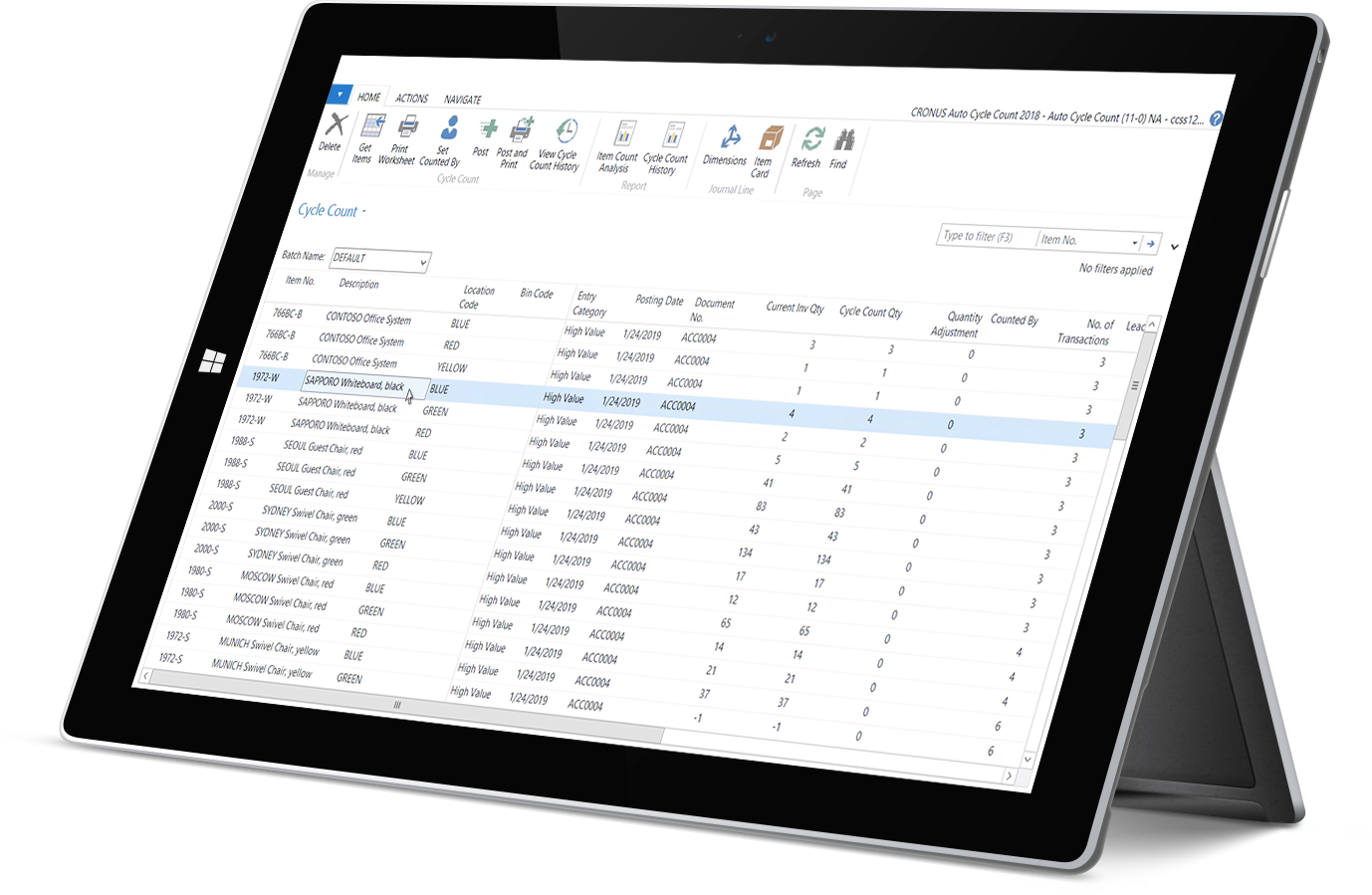
TOPICS: Come to this session to see Job Manager in action: Chart Wizard, Bin Support in Job Journals (FG & RM), Completed Job’s Cost True-Up to Actual Cost, Utilization of Tree Maps and Time Line Visualization, Remote Time Entry, MS-Project Connector, Commission Calculations, Inventory Valuation Detail Reporting, and Automatic Cycle Counting. Who Should Attend: Salespeople, Implementers, Developers, and Owners. Spend 60 min with Rick and Ben as they take you through the R2 Enhancements to Job Manager.

%tag
%tag
Categories : News, Support
Comments (0)
Jul
22

Cost “True up” to Actual Cost

Posted by: Rick Baxter | Comments (0)

During production costs are accumulated from many sources: Labor, Materials, Subcontractors, Freight, Site Services, and other. As you post Partial Production, you have to use an estimated or standard cost as the cost of the Finished Good. But, when you complete the Job, you then know the actual cost each. And, this actual cost each is often different from your estimated cost each.

What do you do? You want to go back to your previous postings and “true up” the cost to the actual cost each. You can now do this by activating the “True Up” feature in Job Manager. Go to advanced setup and check the option to True Up previous partial productions with the finalized cost each upon Job Completion. Job Manager will now make adjusting Item Value Entries to bring the cost each to the desired actual cost.

The best part, this new feature is included at no charge for clients on our Job Manager Maintenance plan. Just get upgraded to NAV 2009 R2 and you will receive this new capability and a few other goodies too. If you have a question, leave a comment below or give us a call.

%tag
%tag
Comments (0)
Jul
20

Chart Generator

Posted by: Rick Baxter | Comments (0)
%tag

Click this image to watch demo movie

We are pleased to announce “Chart Generator” has been added to our Foundation Pack as an additional feature.

This means that you can now easily define your own Role Center Chart from any Table within Dynamics NAV.

Just pick the chart type, fields to be displayed on the X and Y Axis and then select “Generate Chart”.

Once the Chart has been added to your list of Chart Parts, just pick the new chart to display on your role center.

If this would be a useful feature for you, just contact me and I will help you get this added to your “Foundation Pack” Granule. If you don’t have Foundation Pack, I can help you get all 61 features added to your Dynamics NAV Database.

Sample: Job Production by Date

%tag

Click this image to watch demo movie

Leave a comment in the message box below.

%tag
%tag
Categories : NAV Tips, News, Reporting
Comments (0)
Mar
25

Send Document via e-mail as PDF

Posted by: Rick Baxter | Comments (0)

You are going to love this new enhancement to Foundation Pack. “SendAsPDF” is officially feature #59 of 60. We added the ability to send Quotes, Sales Orders, Credit Memos, Sales Invoices, and Purchase Orders instantly as an e-mail attachment in a PDF format.

You just create the document content as desired, then click “SendAsPDF” and it generates an e-mail with everything automatically filled in.

 Here is a sample of the Quote Screen:

%tag
Sample from the Sales Quote Page

Sample of the e-mail ready to be sent:

%tag
Sample of the automatic e-mail prepared for you

How cool is that.

We started with a Blog from the NAV Developers, then added our own twist: Default Values.

Examples: Where to pull the e-mail address, and where to pull all the other content. It can come in blank, and then you just fill in as desired, or set your defaults and let the software do the work.

I just love this little time saving feature. If you are new to NAV, it is not too late to add “Foundation Pack” to your new installation. If you are an old timer, order “Foundation Pack” when you upgrade to Version 2009 R2. I am so excited about this new feature I just recorded a video showing how it works.

Watch the Video, then leave me a comment below. Thanks, Rick

%tag
%tag
Comments (0)
Jan
17

Report Writer Class for RTC

Posted by: Rick Baxter | Comments (0)

%tagCost Control Software is please to announce the release of our newest class for Microsoft Dynamics NAV: “Getting Started with Report Writer RTC”. This DVD class is available for shipment today, January 17, 2011. This class is a continuation of our Report Writer Class for NAV Classic, but now designed for Role Tailored Client users.%tag

This class is ideal for anyone new to Role Tailored Client. Reports are developed from the “Object Designer” area in the Development Area. You start your report with the Wizard or with a Blank Report. You add your desired fields to the header and body section(s). These fields are now available for the Visual Studio Editor, which is where you design your RTC version of the report.

What is interesting is that one report holds both the “Classic Section Design” and the RTC “Layout” design.  If the report is run from Classic, the classic report is printed. If the report is run from RTC, the RTC version of the report is rendered in the Viewer.

How the class works: There are 28 Lessons starting from a very simple report to a complex report. Each lession is really a “Lecture” from the instructor (Rick), which is then re-played and paused as you re-create each of the steps to create the report in your practice database or company.

There are 3 Sections: Designing Reports, Placing Reports on Menus, Bonus Tips. This class is ideal for the IT Staff or Programming Staff to learn some of the advanced Reporting Tips to really spiff up the appearance of your reports with Charts, Interactive Sorts, Drill Throughs, and Matrix Reports.  There are 8 hours of Instruction, and another 8 hours of practice time to really master the Visual Studio editor and Viewer. Learn more here.

%tag
%tag
Categories : News, Reporting
Comments (0)
Microsoft Dynamics Nav. Microsoft Dynamics Nav Training, Tutorials, Videos