Engineering Change Management
Engineering Change Management brings to Dynamics NAV the ability to:
1. Notify the departments that a Change is needed.
2. Send a Request for the Change.
3. Execute the Change in the BOM.
This is a three step process, but depending on the needs of your organization it can be done in as little as 1 Step.
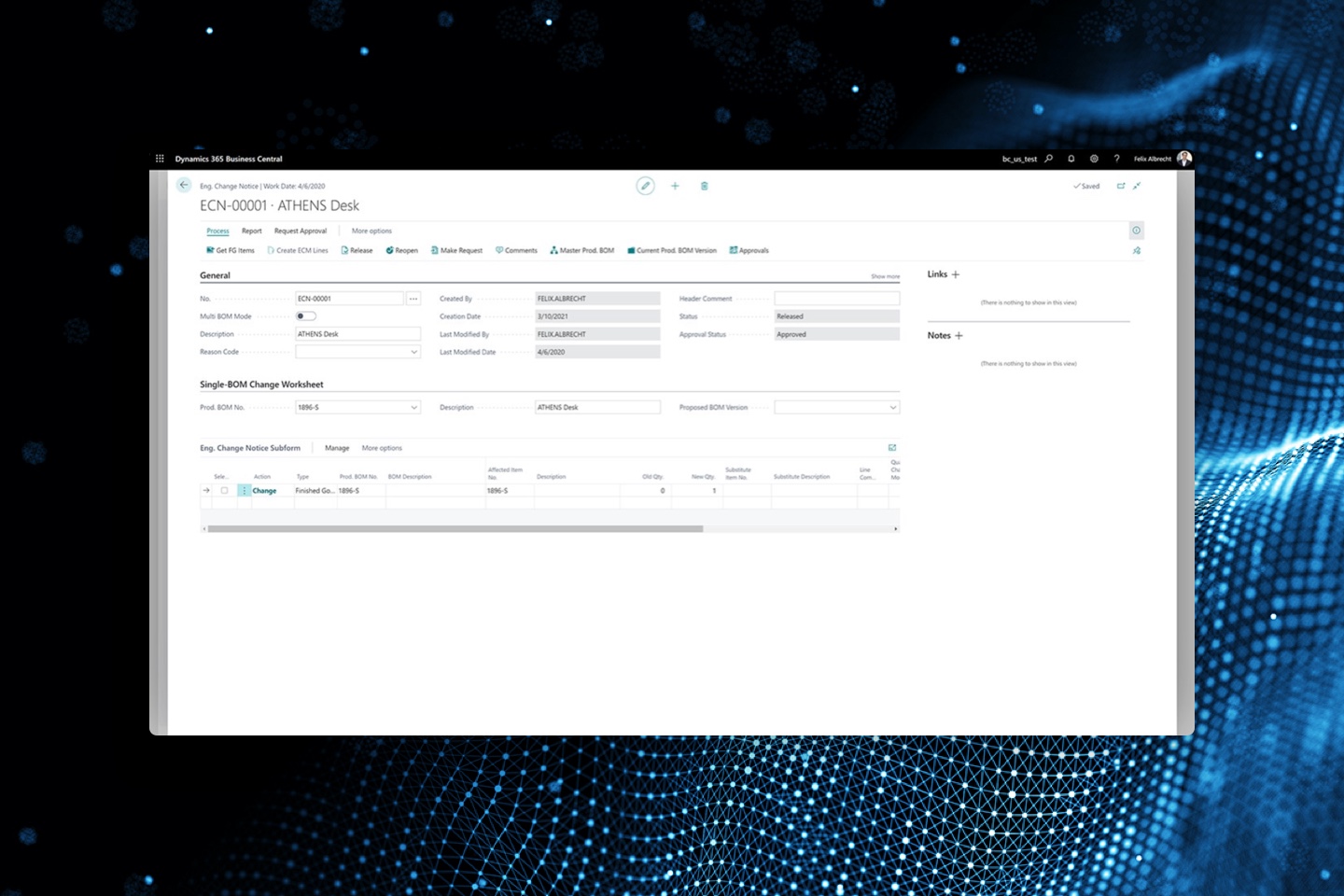
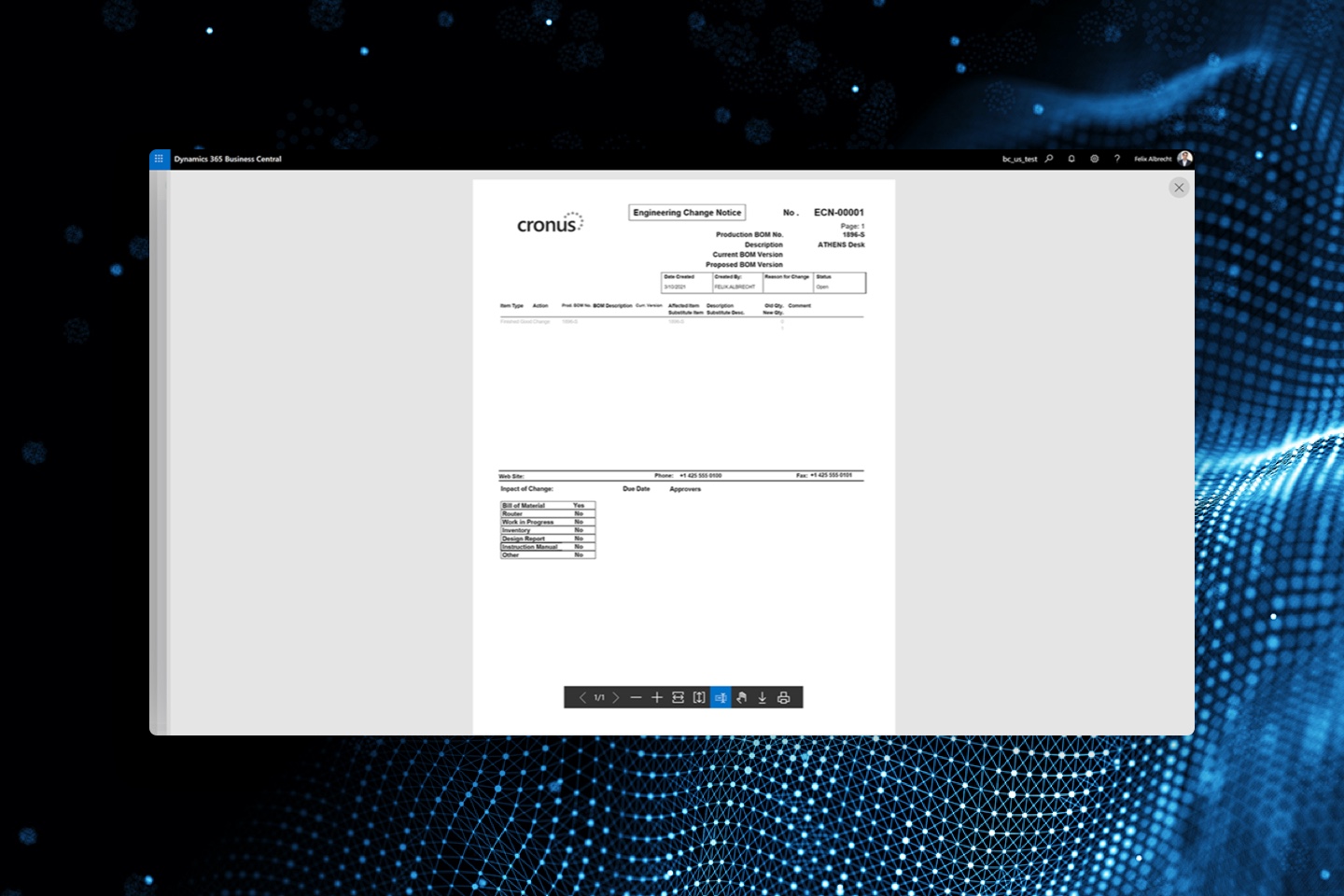
Step 1: Initiate a Change Notice. This means that anyone in the organization can “notice” that a change is needed to a Bill of Materials. An initial document is created to notify management that a potential improvement could be made to a BOM.
Step 2: Change Requests: You can start here, or move the initial Notice into a Request. Now it is time submitt a Document Approval notice to the appropriate staff. Various department heads can be assigned to review the proposed change and approve the change.
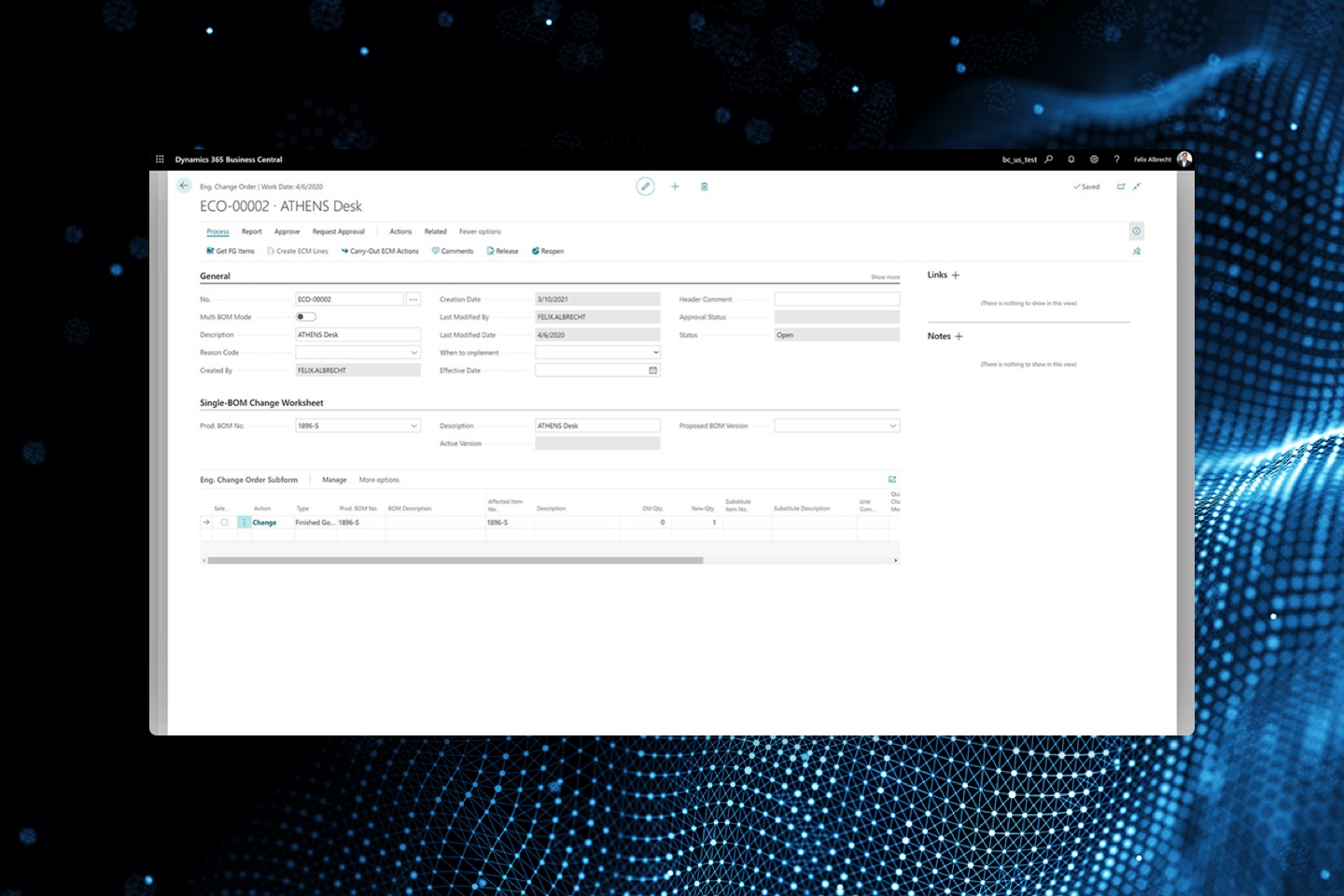
Step 3: Change Order: Start here, or move the Request to an Order. This authorizes a change to the Bill of Materials. The affected items will all be listed on the ECO and the requested adjustments to the master Bill of Materials can now be made. (Edit the BOM or Create a new BOM Version depending on your Microsoft License access.)
Since “Documenting” your process is so critical for history and future analysis, this Granule keeps complete history of every step. Upon making a Notice into a Request, a copy of the original Notice is sent to Notices History. This will be very hand to look back and see all the associated Notices, Requests, and Changes that have taken place.
Benefits:
• Organize your Changes in a logical fashion
• Document who approved the changes
• Document the reason for the change in the comments
• Always see the “Status” of each Step.
• Track the Creation, Modification, and Implementation Date
• Easily change the Status of Notices, Requests, and Orders
• Keep complete history of the approval process.