Benefits
- Quick and easy set up
- Ensure your finished goods meet the customer’s expectation
- Stop returns due to non-compliance to known specifications.
- Excellent charting capabilities

Gain control and ensure a quality product every time. The basic goal of any quality software is to ensure that the products or services provided meet specific requirements and characteristics, such as being dependable, satisfactory, safe and fiscally sound.
Our Quality Control Software provides a clear and straightforward way to test all incoming raw materials and finished goods with lot or serial numbers. Built directly in Business Central to provide a seamless user experience.

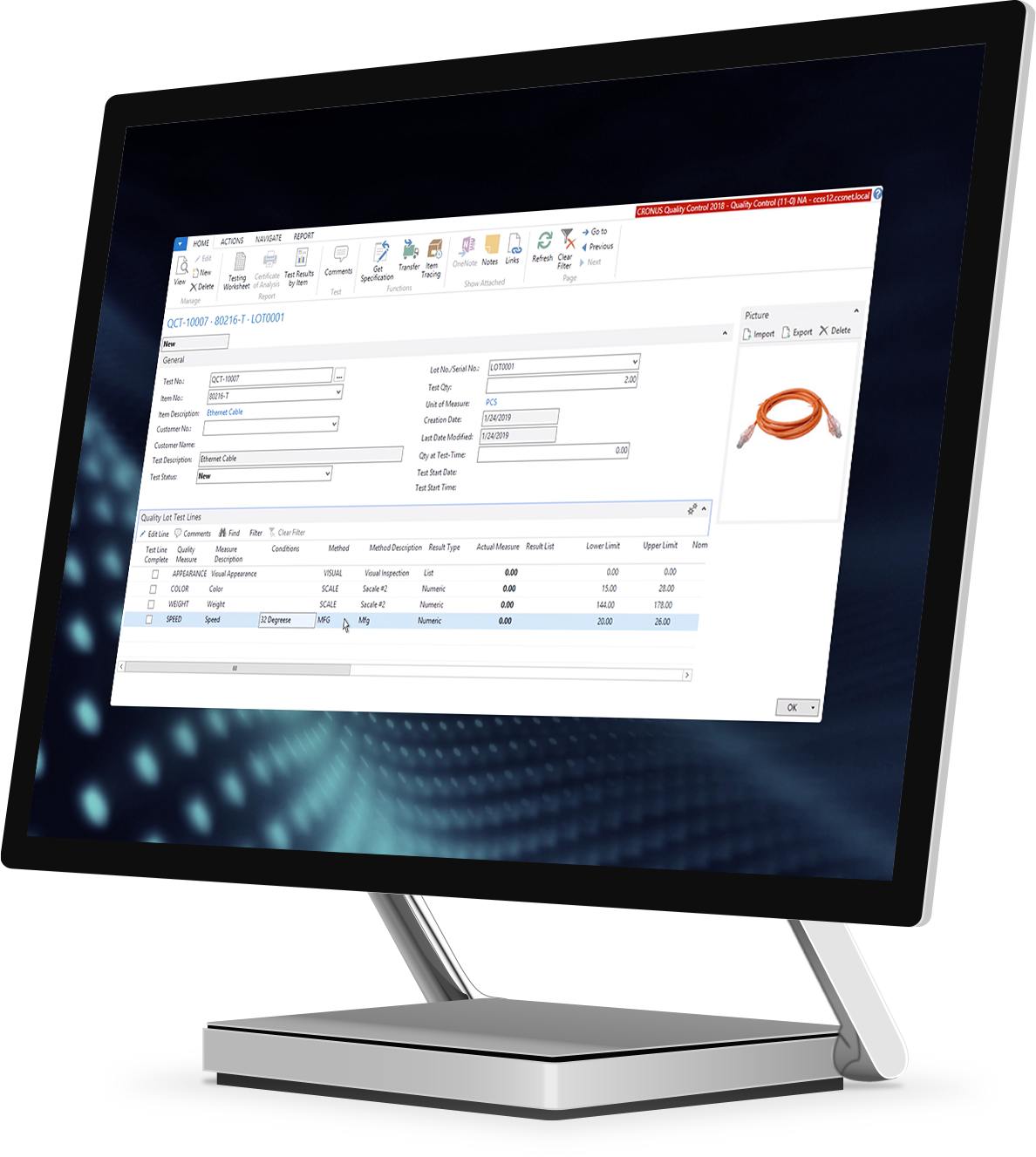
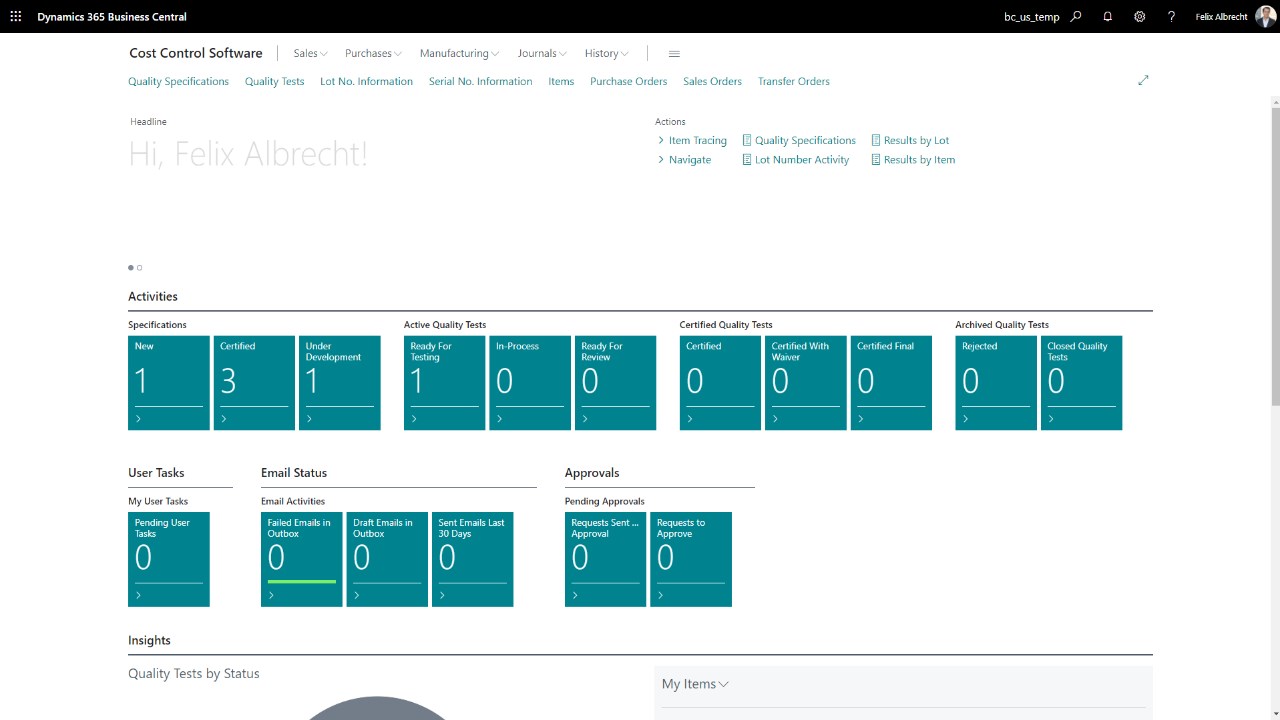
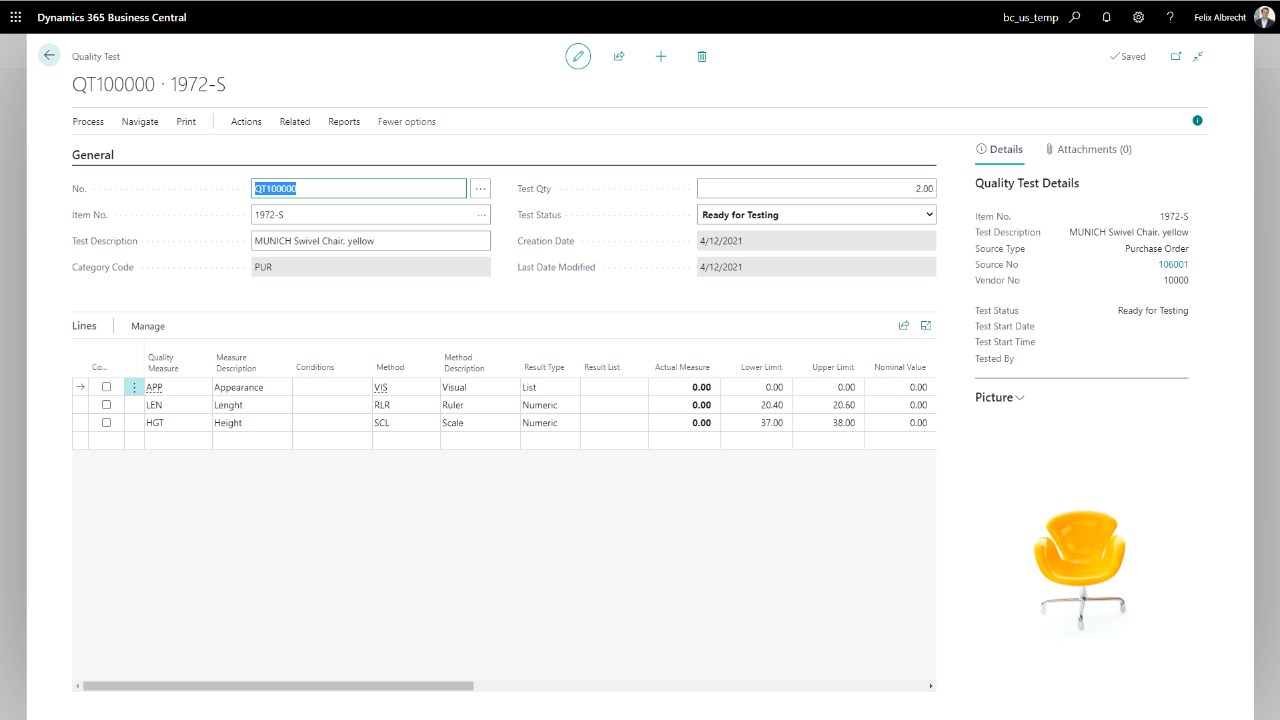
Item tracking enables Lot/Serial number tracking on either finished goods or raw materials
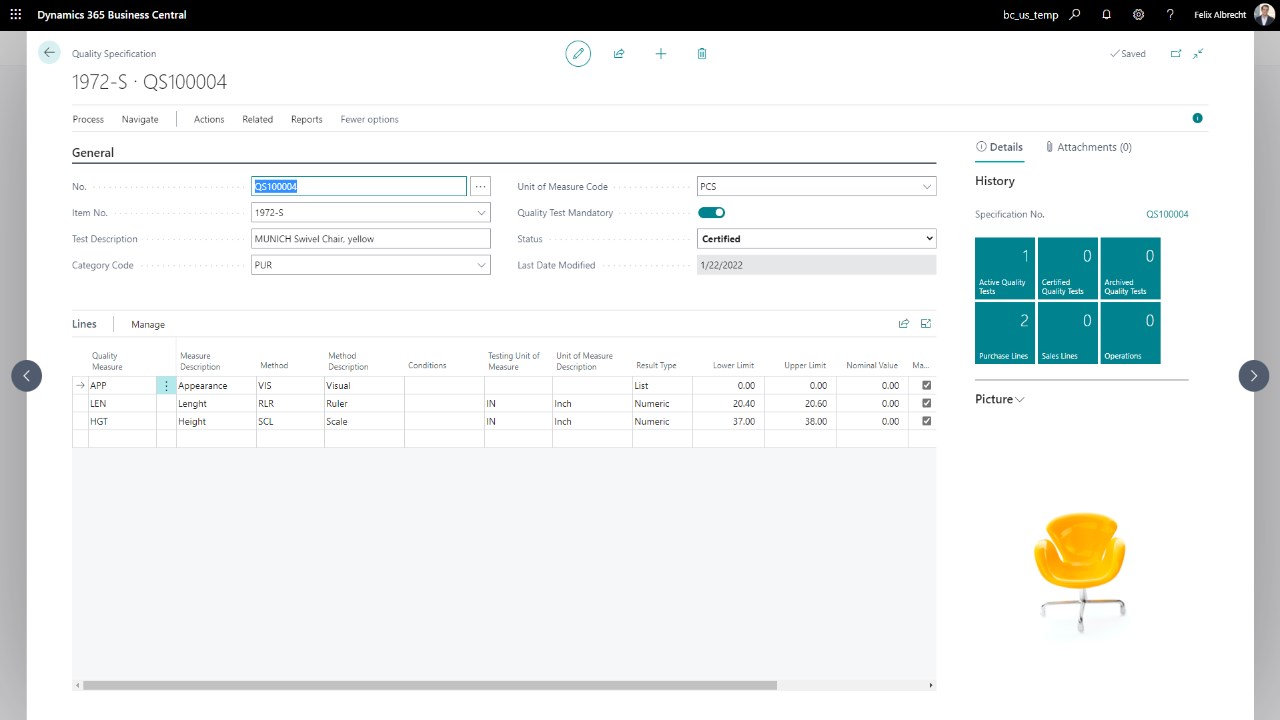
Define customer specific specifications on all tested items for both measures and methods
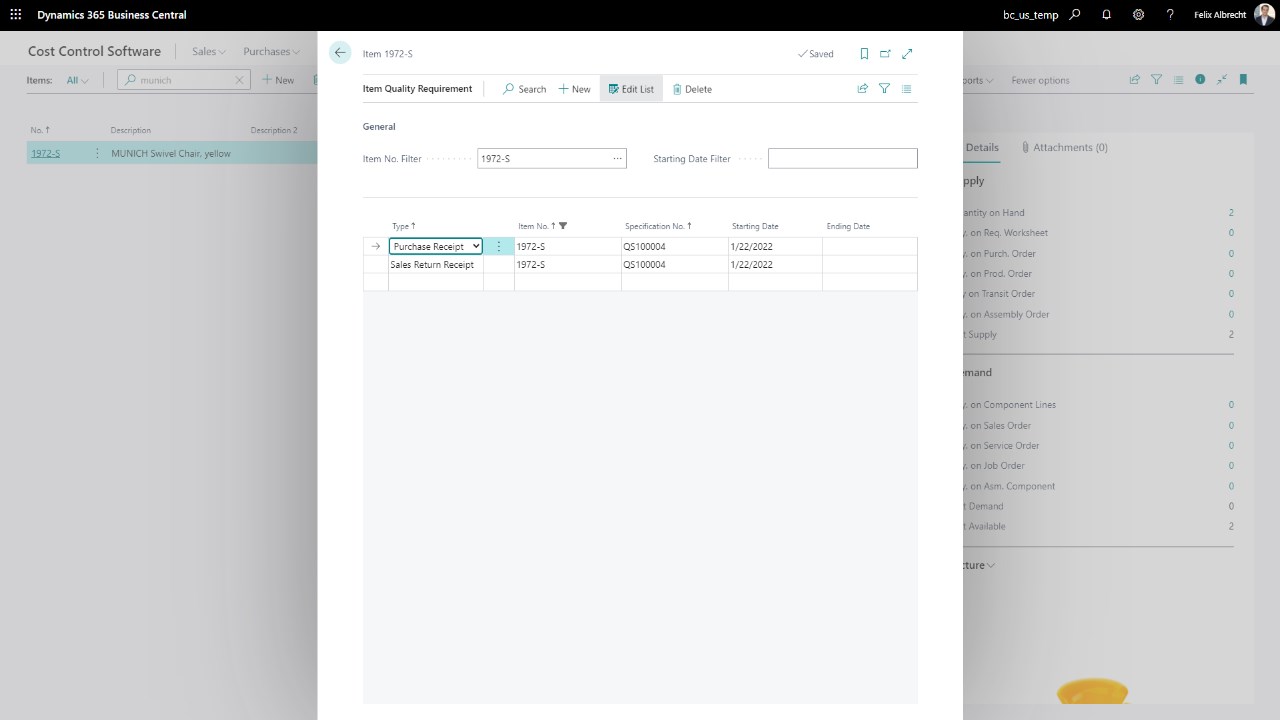
Notify users of future specification requirements prior to production runs
Test results are stored in a testing results log for reporting/ historical purposes
Non-Conforming test results will be flagged as exceptions
Certificate of Analysis can be generated per test or for a specific lot number
In-process testing. Based on a quality specification assigned to an operation within a routing.




