Manufacturing Time Entry
Manufacturing Time Entry comes bundled with the following 3 options:
1. Mfg Time Entry – Classic
2. Mfg Time Entry – RTC
3. Mfg Time Entry – Web Services
Classic:
Web Services:
“Manufacturing Time Entry” is a special entry screen for employees to enter their Production Time per Operation. Once “Approved” the time moves to the Output Journal for regular Posting to the Capacity Ledger Entries.
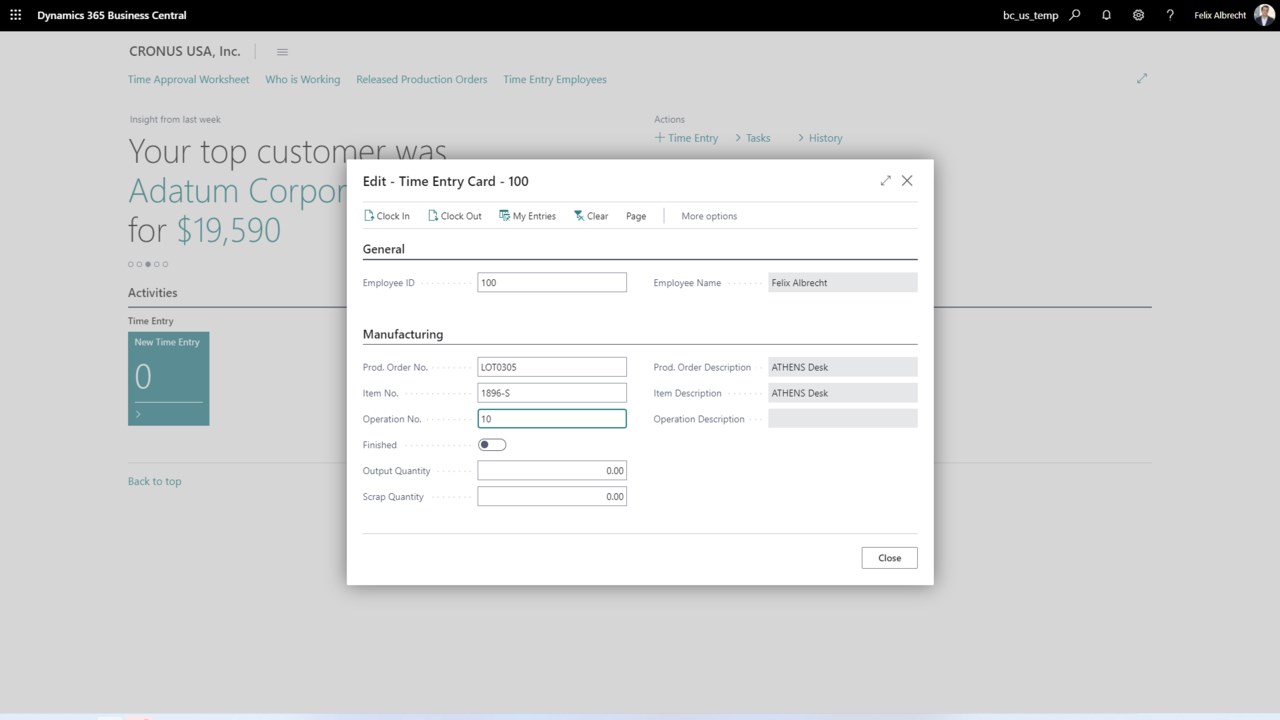
As shown above, Mary has just entered her name. The system displays the Production Order and Operation she is currently “Clocked in to”. Mary could “Clock In” to a different Operation, view her completed entries, Clear the Screen, or Clock Out of the “Chain Assembly” Operation by just Clocking In to another Production Order/Operation.
All of the punches are stored in an approval table for review and manager’s approval. Upon approval they are moved to the Output Journal for posting.
Time Entry fully supports Bar Code Entry from Production Order Traveler. We recommend an inexpensive corded or slightly more expensive wireless hand scanner. (Wasp USB scanner)
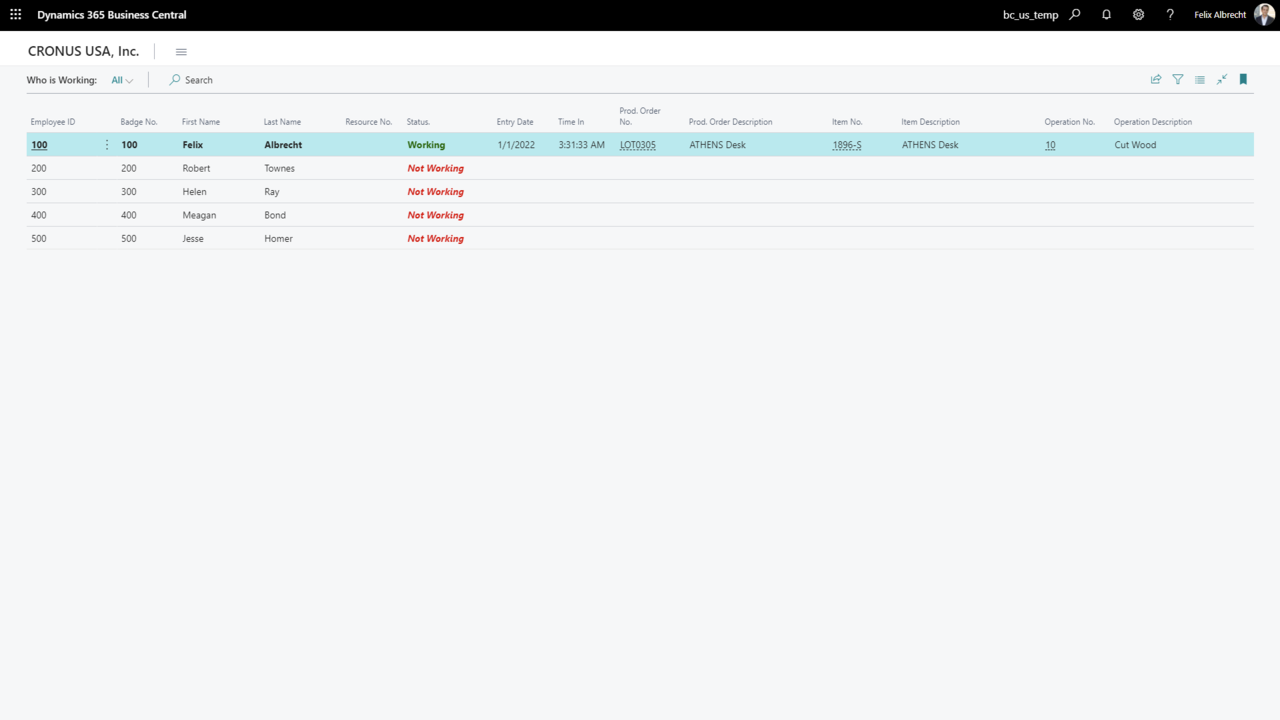
Your company would install NAV on the desired PCs. Each PC would log in. (TERMINAL1, TERMINAL2, Rick, Dallas…) Since the software is fully real time, an employee can clock in at one terminal and then clock out at a different terminal. The “Buffer” table would hold the details of date, time, Production Order, Operation, terminal, shift, and employee. When the employee “Clocks Out” the total elapsed time is calculated and the transaction is moved to the “Approval Worksheet”.
Time Entry has been designed to keep the process as simple as possible for the “timekeeper”, but still give editing control to the system manager.
Manufacturing Time Entry – Benefits:
Written and developed entirely in NAV (Classic and RTC)
Real time
Very easy to setup and use
Very easy to expand, if your needs go beyond what is provided
Works with base “NAV Manufacturing” or “Manufacturing Plus” by Cost Control
“Web Services” - Benefits:
Written and developed entirely in Visual Studio
Internet based
Real time
No Upload/Download from a 3rd party product.
Very easy to setup and use
NAV is not required on the local PC
Much less expensive per user when you use DCO License model